
Train Robots on
Environments That
Actually Work
Hand-authored environments for manipulation, grasping and navigation workflows. Review the available physics and articulation, then confirm your simulator and task requirements.
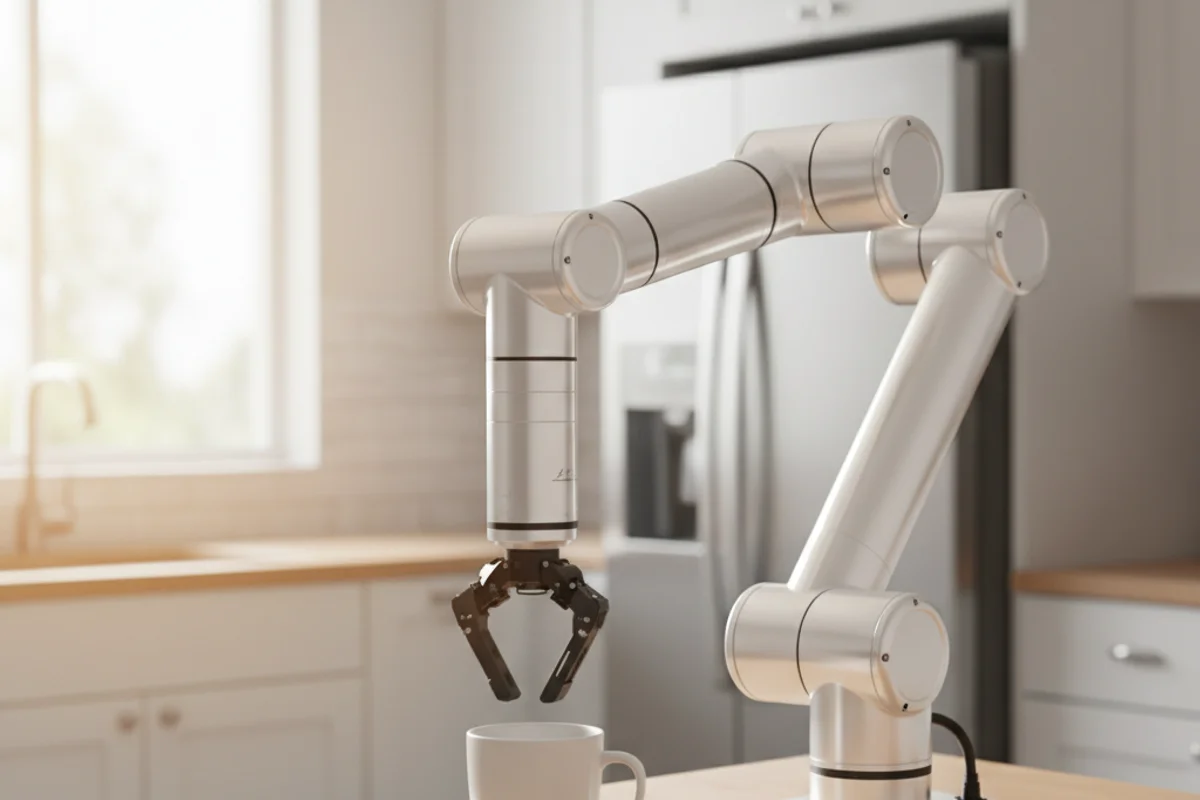
Physical AI Has a Data Problem
Getting simulation environments right is harder than it looks. Most teams discover this the hard way.
Assets break in simulation
A convincing render does not establish simulation behavior. Inspect collision geometry, physics properties and articulation before using an asset in your task.
Manual setup doesn't scale
Adding collision shapes, mass, friction and joint limits takes engineering time. A suitable authored starting point can reduce repeated setup work.
One scene isn't enough
Test across the layouts, materials and object placements relevant to your deployment. Reusable scene content can support a broader set of experiments.
Robot Manipulation,
In a Real Environment
This kitchen demonstration shows the role of scene content in a manipulation workflow. Review each asset’s authored mass, friction and joints, and test the interactions your robot needs.
- Inspect the doors and drawers authored for interaction
- Check joint types, limits, drives and friction where authored
- Browse hand-authored objects and review their package specifications
- Confirm scale, units and collision shapes for your task
- Architecture, appliances, furniture, and fixtures in a single composed scene
- USD
- Scene content
- Physics
- Inspect authored properties
- Joints
- Check supported interactions
- Reports
- Review validation findings
Environment Scenarios for Your Task
These examples illustrate environments to discuss with our team. Browse the current library for available packages, or scope a custom scene with the layout and interactions your robot needs.
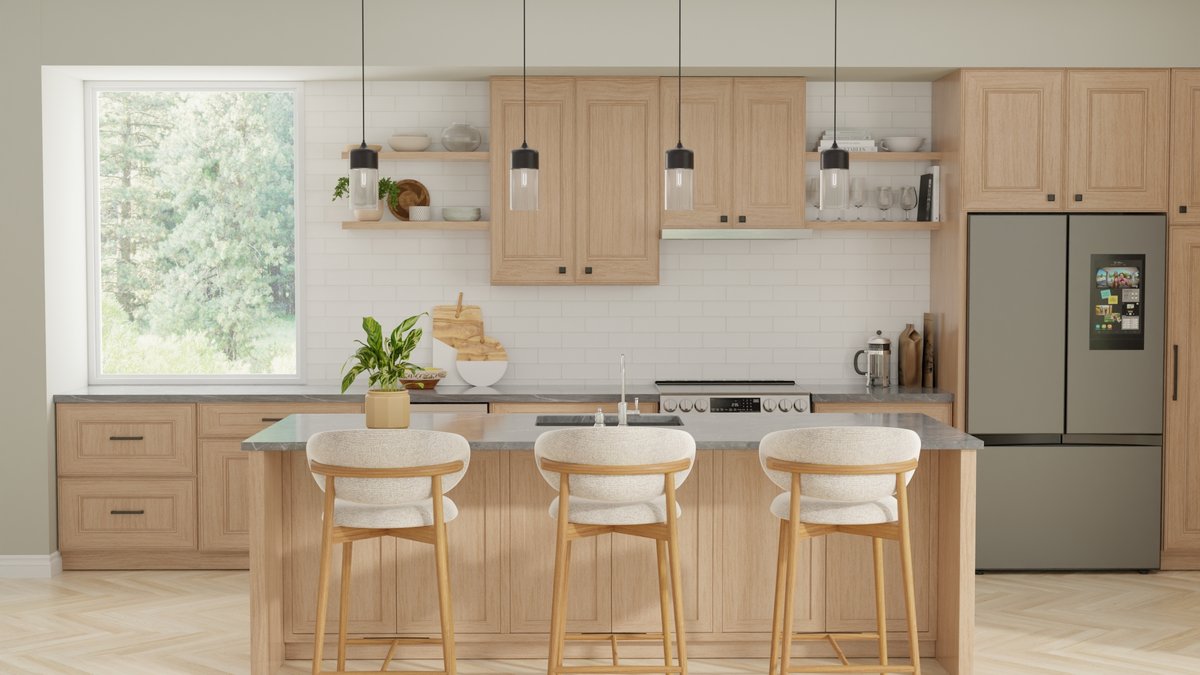
Kitchen Manipulation
Explore a kitchen setting for cabinet, drawer and countertop interactions. Inspect the selected package for movable parts, graspable objects and collision properties before defining your task.
- Cabinet interactions
- Countertop tasks
- Package specifications
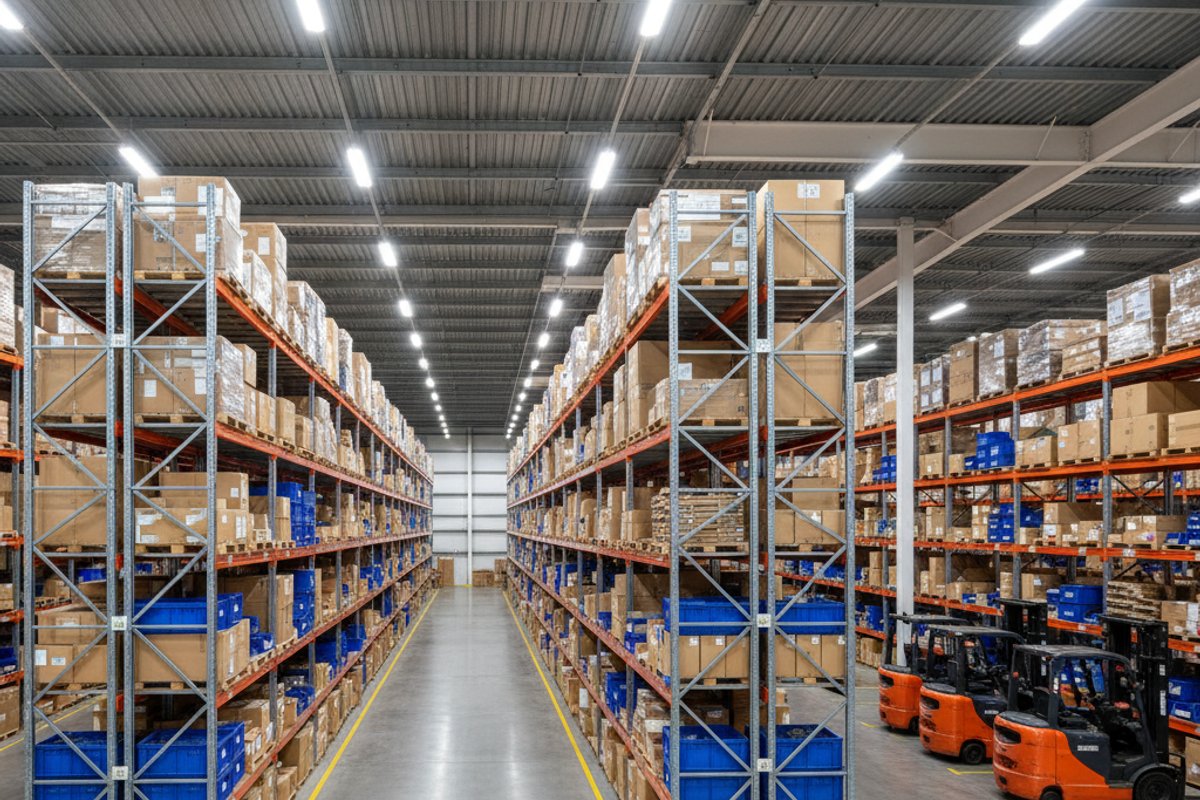
Warehouse Pick & Place
Use warehouse layouts to plan navigation and pick-and-place scenarios. For a custom scene, agree racks, bins, target objects and collision coverage with our authoring team.
- Storage layouts
- Pick-and-place scope
- Collision coverage
Objects and Scene Content for Robotics
Rigid Objects
Cups, tools, boxes, bottles and everyday objects. Review available geometry, collision shapes, mass and materials in each item’s specifications.
Hand-authored library contentArticulated Objects
Cabinets, fridges and other movable objects. Inspect the authored joints and their settings, then test motion and contact behavior in your target simulator.
Revolute + prismatic jointsParametric Variants
Reuse scene content while exploring materials, object placement and layouts in your simulation pipeline. Recheck collisions, labels and task constraints after making changes.
Parametric variationWhat to Check in Your Environment
Review the selected package’s specifications and dependencies. For custom work, agree these requirements before authoring begins.
Specifications
- Delivery format
- OpenUSD (USD / USDA / USDC)
- Collision meshes
- Review authored shapes and approximation settings
- Articulation
- Check included joint types, limits and drive settings
- Materials
- Inspect shader support and supplied texture maps
- Scale and units
- Inspect stage metadata against your requirements
- Semantic labels
- Confirm authored labels and taxonomy coverage
- Scene format
- Inspect the entry layer and referenced dependencies
Output & Compatibility
OpenUSD Content, Specific Runtime Checks
USD is the interchange format. Material support, physics behavior and task setup depend on your runtime. A catalog-wide tested Isaac Sim version is not currently published; confirm the assets and release you plan to use.
Inspect authored physics schemas and validation findings

From Requirements to a Testable Environment
- Share
Tell us your training task
Share your environment requirements, object categories, and physics constraints.
- Build
We build your environment
Our team hand-authors the agreed environment, objects and physical interactions around your references and simulation requirements.
- Train
Load and train
Open the delivered USD, review the agreed acceptance checks and test the scene in your target simulator before training.
Request a Sample Manipulation Environment
Discuss a USD environment for your robot’s task. Agree the scene content, required articulation, target simulator and acceptance checks.