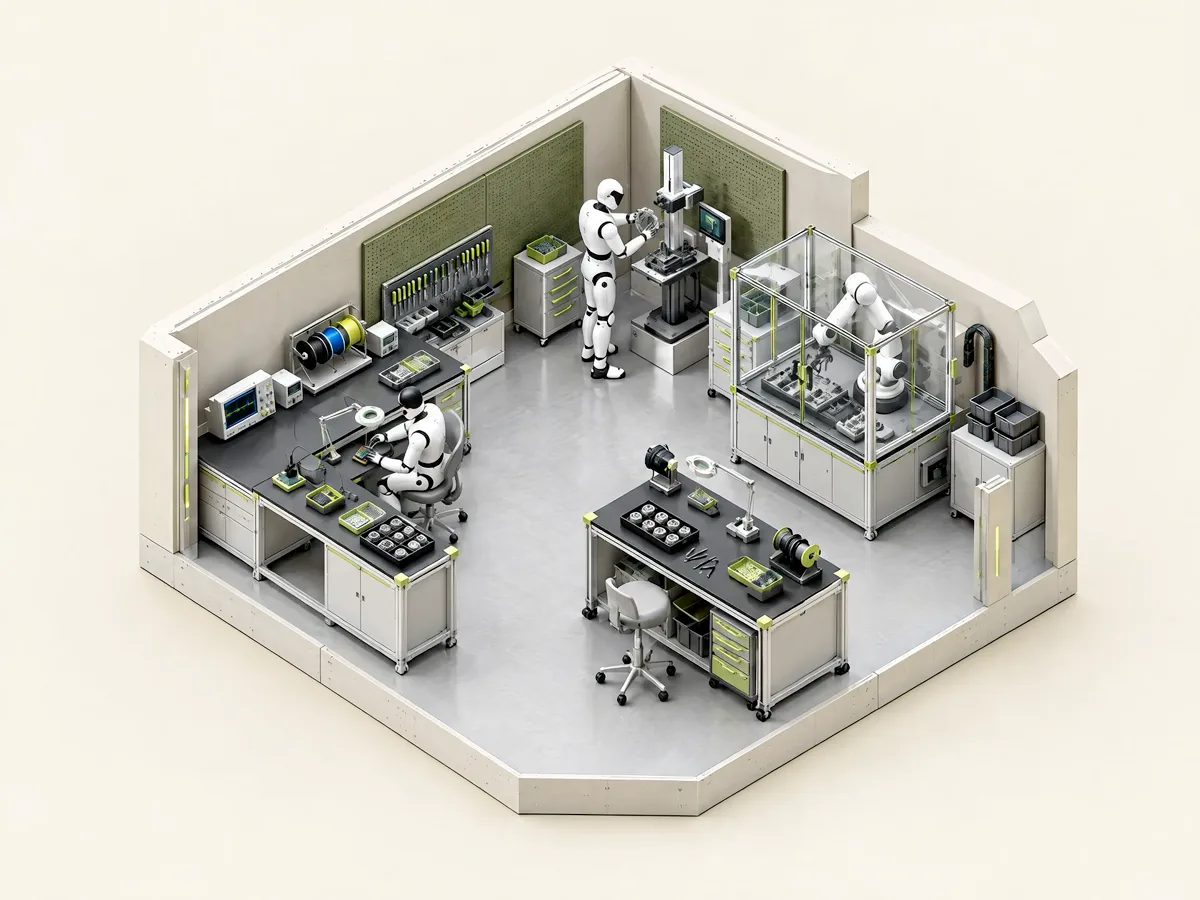
Your simulation toolkit. Free in the browser.
Check the asset. Prepare the package. Explore the physics. Three focused tools for the work between authoring and simulation.
Choose a toolChoose your tool.
SimReady Validator
Find the requirements that need attention. Get a clear report for your next authoring pass.
Open validatorSimReady Packager
Validate and bundle your asset with its thumbnail, metadata, and report in one ZIP.
Open packagerSim on Web
Put your USD asset in motion. Explore its joints and collisions with PhysX or MuJoCo.
Open simulatorBring your asset.
Choose your next step.
Use the tool you need, when you need it. Each works with the asset files you choose on your device.
Before you hand it over
Check the selected SimReady requirements and share the findings with your team.
Validate an assetWhen you need a package
Keep asset content and its supporting records together in a downloadable archive.
Build a packageWhen behavior matters
Open an interactive physics workspace and inspect how the authored asset responds.
Try the simulatorBuilt around OpenUSD.
Open an asset file, a package, or a complete folder. Include referenced layers and textures so the tool can resolve the scene.

Need an asset to start with?
Explore hand-authored assets and environments from the simgenerator library.