Sim on Web
See how your asset behaves.
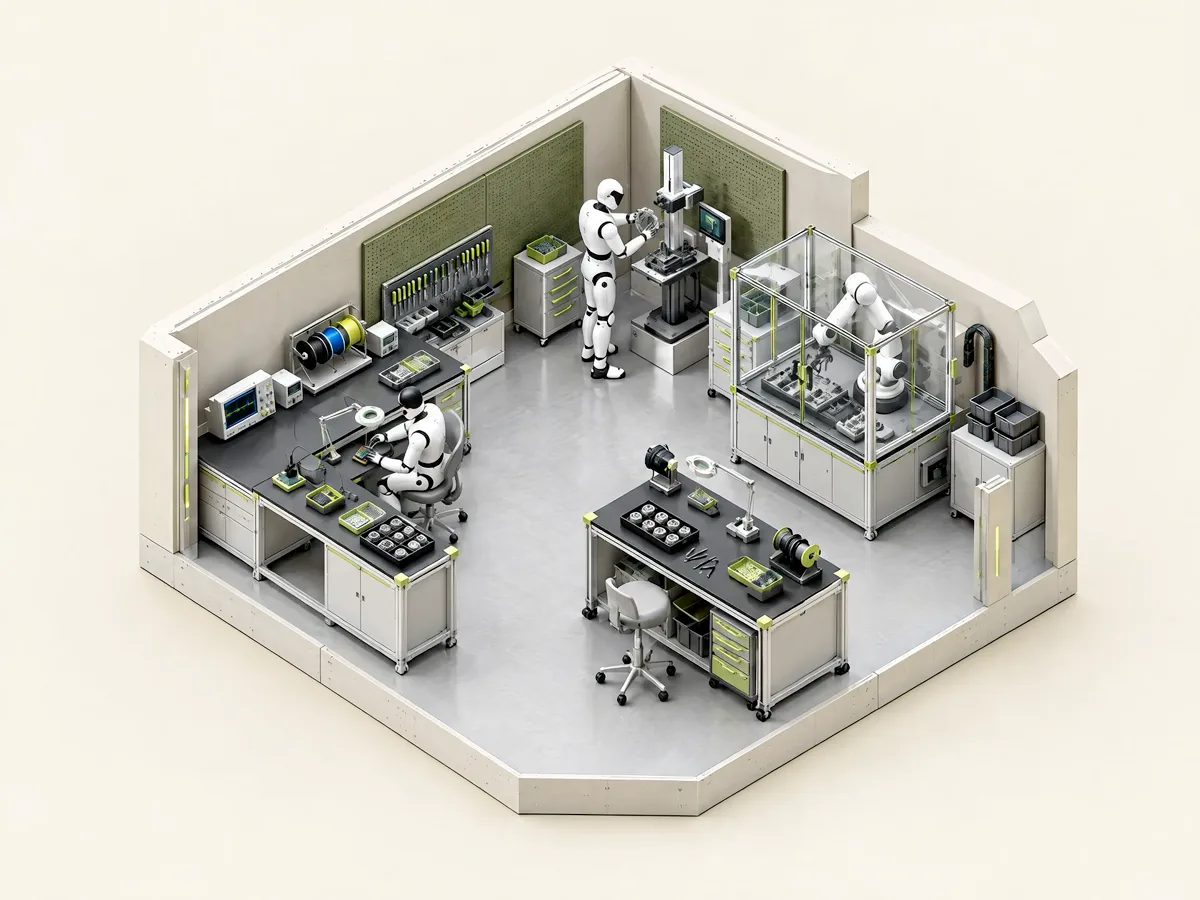
Open a USD asset and put its authored physics to work. Move parts, inspect collisions, and explore its behavior with PhysX or MuJoCo, directly in your browser.
Open simulatorFrom a static asset to interaction.
Explore authored bodies, joints, and collision shapes with live controls.
Test behavior before it reaches your pipeline.
Interact with the asset
Grab individual parts or move the whole asset. Use joint controls to explore its range of motion.
Look beneath the surface
Inspect collision overlays and use play, pause, and reset to examine behavior.
Explore both engines
Switch between PhysX and MuJoCo using the same loaded USD scene.
From file to next step.
Explore the properties already authored into your asset.
Load a USD asset
Choose an asset with authored UsdPhysics data. Include the layers and textures it references.
Choose an engine
Start with PhysX or MuJoCo and review the available joints and scene controls.
Explore its behavior
Play or pause the simulation, move a joint, and inspect collision shapes. Reset whenever you need to.
Before you start.
What to bring, what your browser needs, and what to expect.
Bring the complete asset.
USD, USDA, USDC, USDZ, ZIP, or an asset folder. Keep referenced layers and textures in their original folder structure.
Work in your browser.
Local files are read and processed on your device. Use a current desktop browser with WebGL2 and WebAssembly. Allow a moment for the runtime to load on your first visit.
A useful physics check, in your browser.
Sim on Web maps supported UsdPhysics properties to browser builds of PhysX and MuJoCo. Solver behavior and supported features differ: friction, restitution, and collision approximations can produce different results. This is an asset inspection tool, not a full Isaac Sim environment or a substitute for testing in your target stack.
A few useful answers.
Common questions about Sim on Web.
Can I simulate a USD asset online?
Yes. Sim on Web loads USD assets in the browser and maps supported UsdPhysics data into PhysX or MuJoCo. The tool includes interactive dragging, joint controls, collision overlays, and simulation playback controls.
Does my asset need physics properties?
Authored physics properties define bodies, collisions, and joints for the simulation. A visual mesh alone does not describe how an object should move or articulate. The tool does not create missing articulation or turn a static model into a fully authored simulation asset.
Is this Isaac Sim running in the browser?
No. It uses browser builds of PhysX and MuJoCo with an OpenUSD loader and a web viewer. It is designed for inspecting supported asset physics; it does not reproduce the complete Isaac Sim application, sensors, or workflows.
Which browser should I use?
Use a current desktop browser with WebGL2 and WebAssembly support. The physics runtimes load when the workspace opens, so the first load can take longer. Performance depends on your device, the asset size, and scene complexity.
Keep working with your asset.
The other free tools pick up where this one leaves off.

Find your next simulation asset.
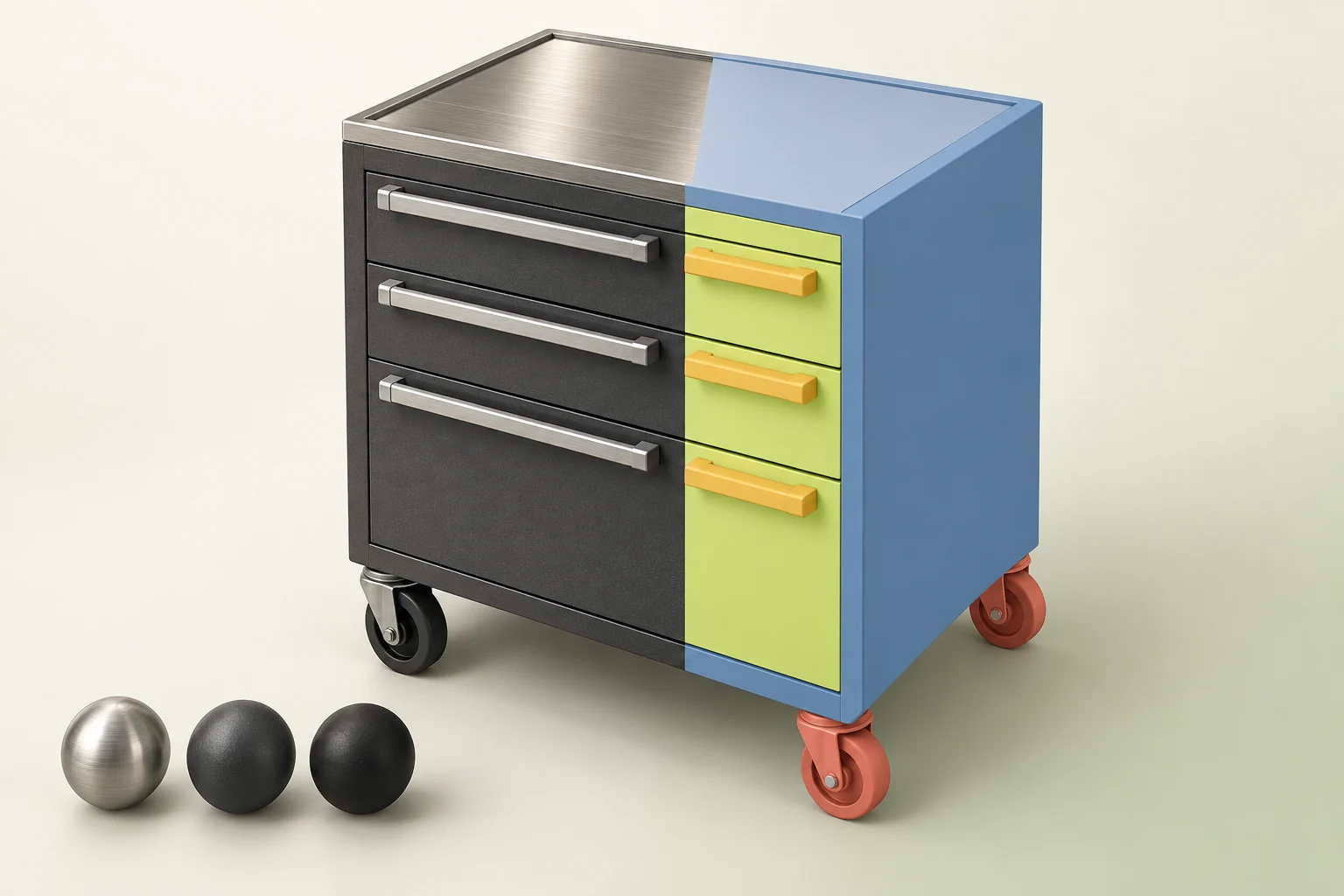
Explore the library or work with us on custom assets for your stack.